
When you send a first proposal to a customer, whether your address appears as "name.surname@yourcompany.com" or in a form like "nameSurname1987@..." affects the impression of trust. For most businesses, email is the first formal point of contact with a customer. Even so, not everyone wants to carry the cost of a domain, hosting and management; and free accounts can be practical and reliable too.
In this article we explain the differences between business email and free email, which is sensible in which situation, and what to watch for when moving to business email. Since providers' features and quotas change often, verify the exact values on each provider's current page.
What is business email?
Business email is an address that carries your own domain name: info@yourcompany.com, name@yourcompany.com and so on. These addresses run on an email hosting service (Google Workspace, Microsoft 365, the hosting company's mail service, etc.). You own the domain; even if you change the service provider later, your addresses stay the same. This is an independence that is not possible with a free account.
What is free email, and when is it enough?
Free accounts from services such as Gmail and Outlook are sufficient for most users thanks to a strong spam filter, large storage and app integration. They are ideal for personal correspondence, subscription records, student and hobby projects. Also, many entrepreneurs start out with a free address and move to a business address as the brand grows. Using your first and last name in the address, and avoiding a cluttered mix of numbers and nicknames, helps you look professional even with a free account.
Side-by-side comparison
| Criterion | Free email | Business email |
|---|---|---|
| Address format | Service domain such as name@gmail.com | name@yourcompany.com |
| Trust perception | Personal account impression | Corporate, lasting impression |
| Brand consistency | Mismatched with the website | Website and email share the same domain |
| Multi-user management | None | Admin panel, adding and removing users |
| Deliverability | Depends on the service's reputation | Manageable with verification records |
| Storage and support | Limited quota, community support | Larger quota, support options |
| Cost | Free | Domain and per-user subscription |
| Permanence | Depends on the service's rules | Address tied to your own domain |
The real advantages of business email
Trust and recognition
Customers and business partners see a company that corresponds from its own domain as more established. This difference is especially clear in correspondence such as proposals, invoices and contracts. Some corporate buyers may automatically treat job offers from free addresses with more suspicion.
Central management
Opening an address when an employee starts, closing access when they leave, and handing over a mailbox are done from the admin panel in minutes. With a free account, this control stays with the individual; when an employee leaves, company correspondence leaves with them.
Deliverability and verification
With business email, you can set verification records such as SPF, DKIM and DMARC on your domain. These records prove that a message really was sent from your domain; they reduce the risk of landing in the spam folder and make fake email sending harder. Follow the provider's instructions during setup; a wrong DNS record can cause emails not to be delivered.
Security and compliance
Business plans generally offer settings such as mandatory two-step verification, archiving, device management and data loss prevention. For businesses working with customer data, these controls matter.
Which business email solution?
- Hosting company's mail service: The most economical option; it comes with the website hosting package. Storage and collaboration tools are limited.
- Google Workspace: A cloud solution integrated with the Gmail interface, Drive, Calendar and Meet. Suitable for teams that like the Google ecosystem.
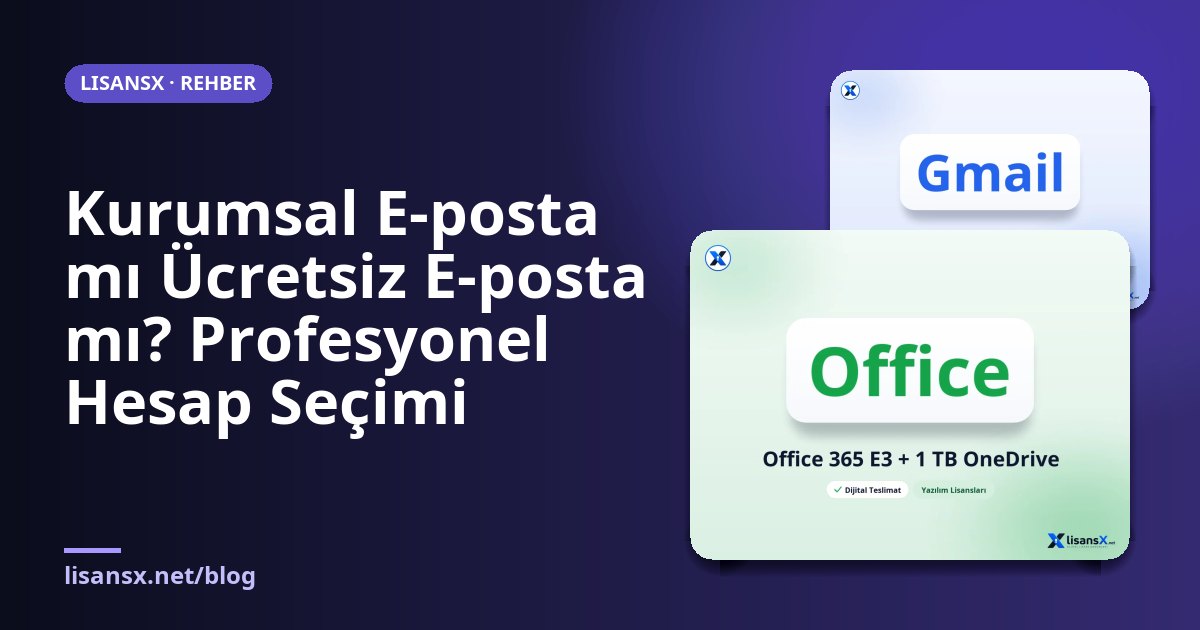
- Microsoft 365 / Exchange Online: Packages that come with Outlook, Teams and Office apps. Sensible for businesses that mainly use Office. Corporate plan products such as Office 365 E3 + 1 TB OneDrive are examples in this group; decide whether it fits your needs by reading the scope information on the product page.
Points to consider when choosing: number of users, storage needs, compatibility with existing software, backup and archiving, and the level of support you need.
Situations where free accounts still have a place
Even if you use business email, free accounts still have a function. Test registrations, secondary contact addresses, notifications while developing software, and separate identities for a separate project are cases where extra accounts are useful. On LisansX, ready-made account products such as Gmail TR and Outlook account are listed in the Mail Accounts category; their intended use and scope are stated on the product page. When using these accounts, complying with the relevant service's terms is your responsibility; for company correspondence and customer communication, we recommend working with your own domain.
Steps for moving to business email
- Verify your domain. If you do not have a domain, get one first and make sure you have access to your management panel.
- Choose a provider and connect your domain. The provider will ask you to add an MX record to your DNS.
- Add the SPF, DKIM and DMARC records.
- Create users and aliases. Define role addresses such as info@, support@ and invoice@.
- Migrate old emails. Move from existing mailboxes using import tools.
- Set up forwarding. Forward emails sent to the old address to the new one for a period, and inform your customers.
How should you calculate the cost?
The cost of business email consists of three items: the domain renewal fee, the per-user monthly or annual fee of the email service, and possible setup support. For a one-person business the total is small; for a team of ten, the number of users becomes a multiplier. At this point, identify the people who really need a mailbox. Not everyone needs a full user license; for some roles (info@, support@), defining a shared mailbox or an alias reduces the cost.
When choosing a service, do not look only at the first year's price. The renewal price after the first-year discount, extra charges for exceeding storage and which package includes the advanced security features determine the total cost. Also read the cancellation and data export terms in the contract.
Email security: how do you protect your account?
An email account is the password-reset key for all your other accounts; if it is compromised, problems chain. For this reason, apply these measures on both types of account:
- Use a unique, long password and make use of a password manager.
- Enable two-step verification; if possible, prefer app-based verification over SMS.
- Be careful with phishing emails: check the sender address, the real destination of the link and language that pressures you.
- Keep recovery email and phone details up to date.
- Limit administrator rights on a business account to a small number of people.
Phishing and malicious attachments also require protection at device level. Comprehensive security software such as Kaspersky Premium Total Security adds an extra layer against malicious links and attachments.
Shared mailboxes and aliases
The most common mistake in a small business is tying all customer correspondence to one person's address. When that person goes on leave or leaves the job, the correspondence breaks off. Instead, define role addresses such as info@, support@ and sales@, and connect them to a shared mailbox or a forwarding rule that several people can see. Aliases can be defined at no extra charge on most providers and forward incoming mail to an existing mailbox. This way, the customer writes to a single business address, and the right person on the team answers; the internal process stays invisible from the outside.
Correspondence quality and tone
The message itself matters as much as the address. In professional correspondence, a clear subject line, short paragraphs and a signature block build trust. If you correspond in English, a writing and style aid such as Grammarly can help you catch language errors. Including the company name, title and contact details in the signature also reinforces a corporate look.
Frequently Asked Questions
Is business email necessary for a small business?
It is not necessary, but it is recommended. If you have a website, you already have a domain; opening email with that same domain creates a large trust difference at low cost.
Does business email end up in the spam folder?
It can, if SPF, DKIM and DMARC are not configured correctly. If the verification records are complete and you are not sending bulk mail, business addresses are usually delivered without problems.
Will my address change if I switch providers?
No. As long as you own the domain, you can change providers and update the MX records; your address stays the same. Remember to migrate old emails during the switch.
Can I use both a business and a free address?
Yes. Using the business address for customer and official correspondence, and a separate account for personal matters and test purposes, is a well-organized approach.